




Loading the page…

Machines on-call for humans

Written by
 Seerut SidhuProduct Manager
 Bharat KhandelwalResearch Engineer
 Manveer SahotaProduct Marketing
In a growing number of engineering teams, coding agents are credited with writing upwards of 90% of new code and are helping to refactor code across large repositories. The hard truth remains: these agents have no idea how that code behaves in prod. When a production alert fires, or latency climbs right after a deploy, your coding agent cannot see it. Instead, you leave the editor, open your observability tools, read through logs, traces, and dashboards, work out what changed, try to quickly mitigate the issue, while you figure out the path to remediation. The context from that work lives in your head, and the next engineer who hits a similar problem starts from nothing, and you’ve also been in situations where this role is reversed.
Today we’re announcing the Resolve AI Plugin, which brings Resolve’s production context directly into Claude Code, Codex, and Cursor. Install it from your coding agent’s plugin marketplace or the Resolve AI plugin repository, then sign in with OAuth.
Before a change. Ask Resolve AI what a service looks like in production right now, before you touch it. You get open alerts, recent deploys, baseline latency and error rates, and the parts of the area that have been fragile lately, and even how a specific user-reported issue shows up in logs or errors. The change starts grounded in what production actually looks like and how it behaves, rather than in an assumption you confirm during an incident three days later or from your dev environment.
When something breaks. Often the investigation already exists. Resolve AI runs in the background across your production systems, so when you ask your coding agent about an error or ongoing issue, it can pull in an investigation Resolve AI has already completed, including the evidence, findings, and its leading working theories. You can also start a new investigation from the command line. Either way, Resolve AI traces dependencies, aligns timing with recent deploys, builds and tests hypotheses, and returns a root cause with a remediation plan grounded in production context and evidence.
Resolve AI can also help you rule things out because it reasons over your actual telemetry; it can confirm that a given error has not occurred in the past two weeks, helping you eliminate false leads faster. That distinction matters when you are trying to rule something out, rather than confirm a hunch.
With your team in high-stakes incidents. An incident is a highly collaborative investigation in Resolve AI. A teammate can join an investigation you started, or you can join the one Resolve AI started in your incident channel. If you spot something locally- a suspicious query, or a config that does not line up with the incident timeline- you can steer the investigation with that finding, and Resolve AI folds it into its reasoning and updates its working theories that it posts back to the incident channel.
When the fix is clear. Turn the remediation plan into production changes and open a pull request, all from the CLI. Your agent pulls the recommendations from Resolve AI, implements them in your repository, opens the PR, and can update the Linear ticket and post a summary to Slack along the way. Investigations run with you on the loop, watching Resolve AI work and redirecting it when needed. Write actions keep you in the loop, so the pull request is yours to review and merge. That balance of human on the loop for investigation and human in the loop for write actions means guardrails are in place so nothing reaches your main branch because an agent decided it should.
After the fix ships. Resolve AI does not stop at the pull request. With its Background tasks, it can monitor deployments and can check whether your change actually landed and worked, confirming the deploy against the right commit and the telemetry that matters for that fix.
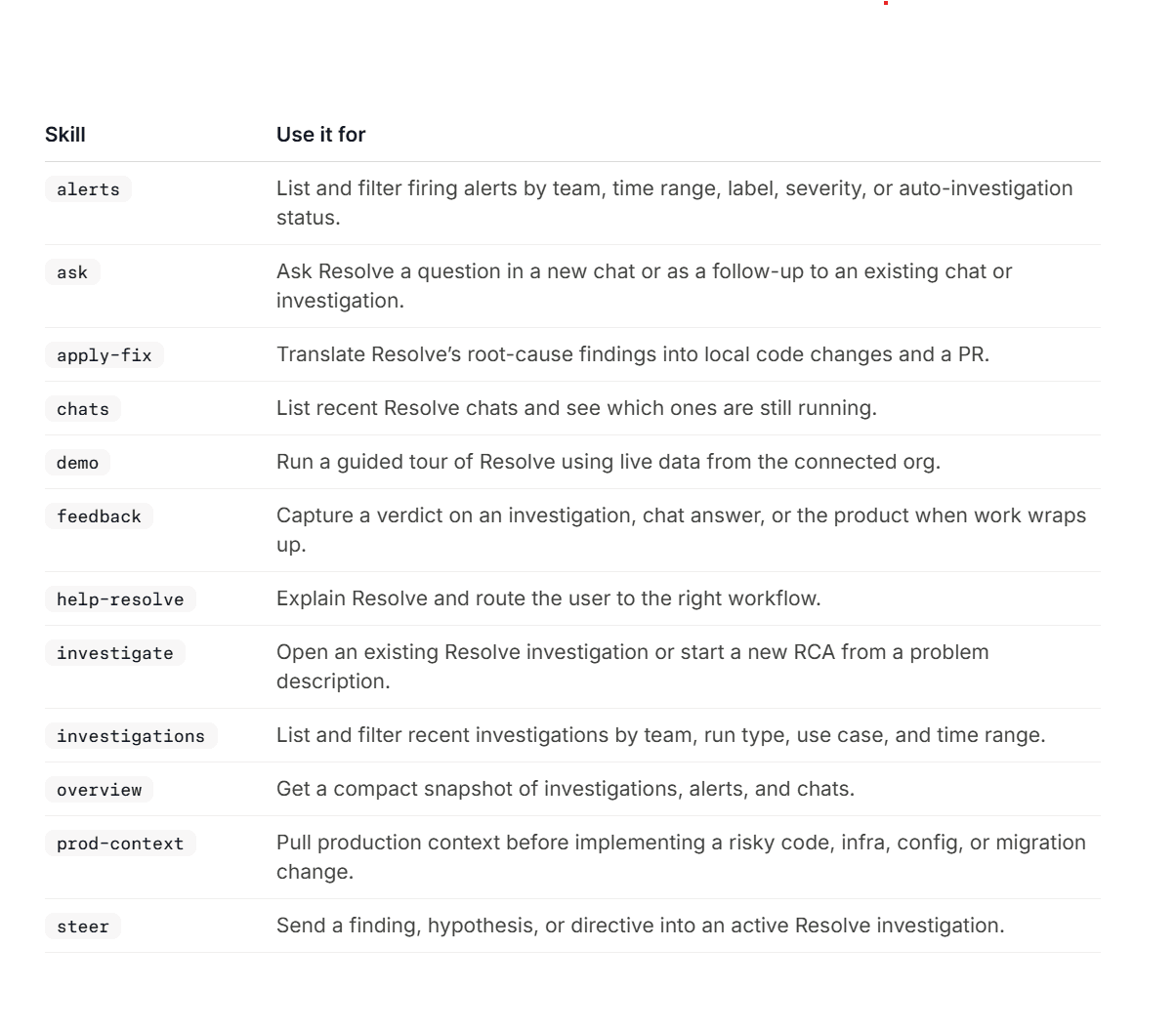
On your own terms. The plugin ships with prebuilt skills for the common work: investigating an issue, asking about production, and applying a fix. Resolve AI also uses the runbooks and skills your team already has, syncing the SKILL.md files from your own repositories, so investigations run on your team's tribal knowledge rather than generic defaults.
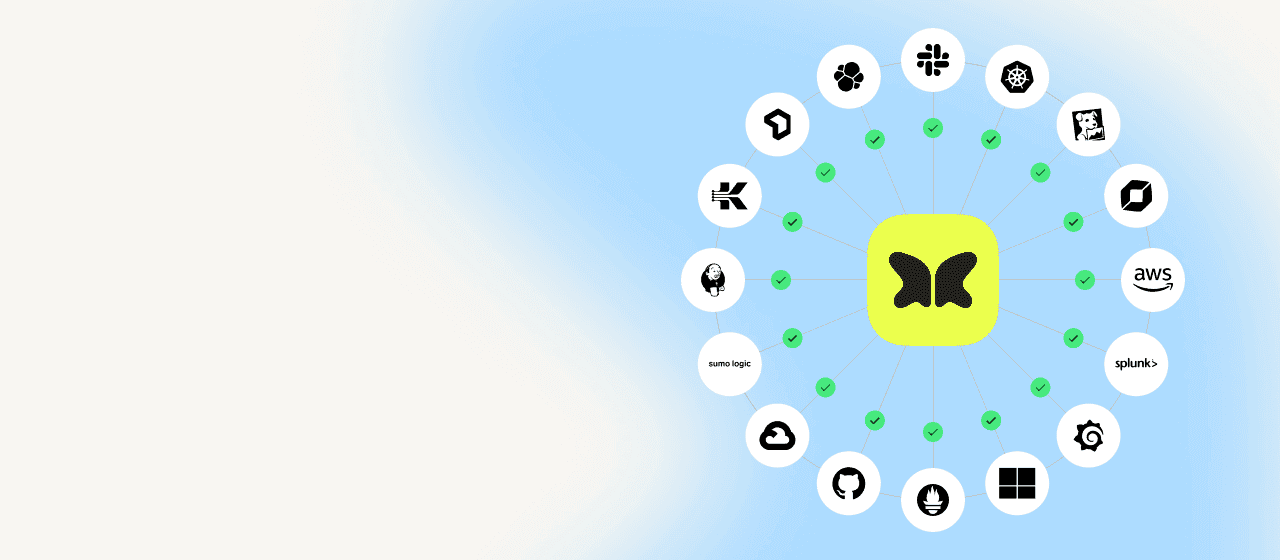
Whether your team builds in Cursor, Claude Code, or Codex, Resolve AI seamlessly shows up in the coding agent you already use. It runs in your incident channels in Slack or MS Teams, your on-call in PagerDuty, your telemetry in Datadog, Grafana, and Prometheus, and your infrastructure in AWS, GCP, and Kubernetes. Any agent that supports MCP or HTTP can call it directly in production for alerts, incident investigation, and mitigation. The investigation you pull into your editor is the same one your incident channel in Slack or MS Teams sees, so production reasoning travels with you instead of living in another tab, and what one investigation learns is available to the next.
Adding the Resolve AI plugin to the coding agent gives engineers one more place to reach that production expertise, the place where they already spend the day. Your agent handles the code, and it calls Resolve AI for the production reasoning behind the change. Agents run production. Engineers manage agents.
The Resolve AI plugin is available today for Cursor, Claude Code, and Codex. Install it from the marketplace in whichever agent your team uses, and connect GitHub so Resolve AI can open pull requests in your repositories.
Join us on Sep 17, 2026 to see how developers use Resolve AI with their favorite coding agents to run and fix prod. Register here.
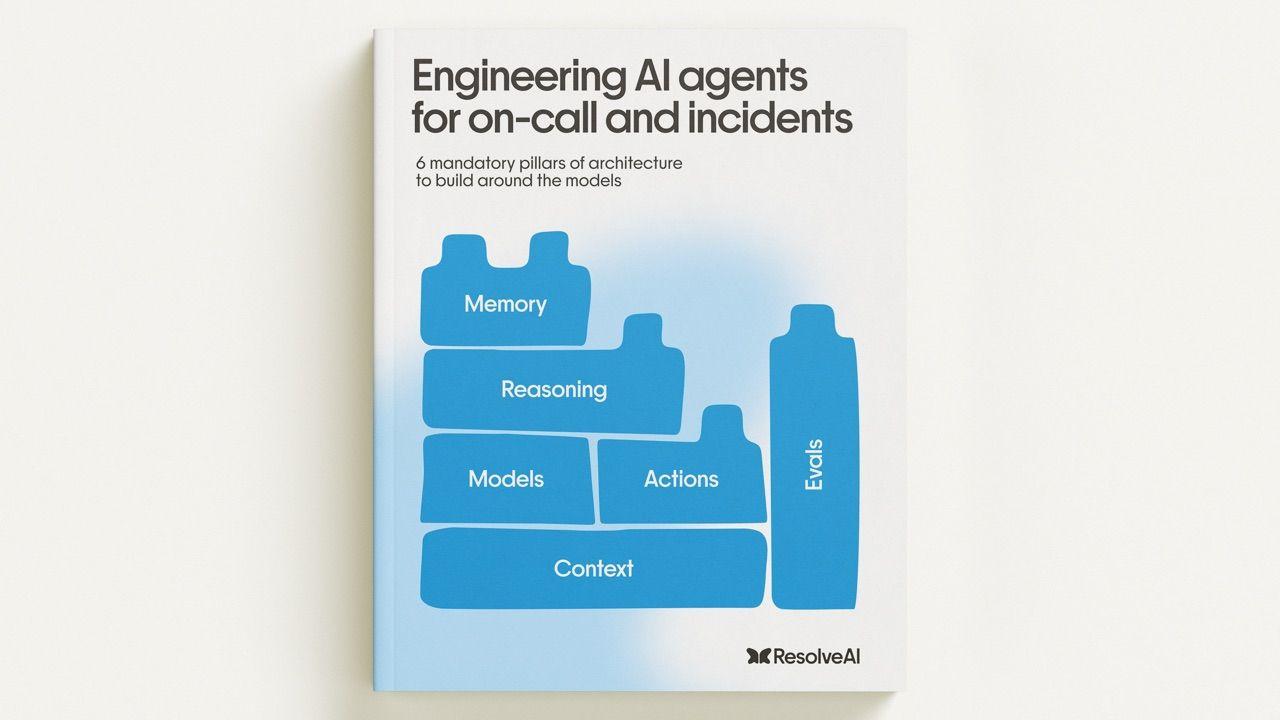
AI for prod ebook
Learn how top engineering teams use AI to run production.
See the agents that run and fix software in action
Join our engineering leads for "Behind the Build", a webinar series deep-dive into how we built agents that run software.