Back
7 min read
Run ResolveAI inside Amazon CloudWatch Omni
Written by
 Brooke DanielsHead of Operations
 Mehul GoyalMember of Technical Staff
 Manveer SahotaHead of Product Marketing
 Amin KarbasMember of Technical Staff
 Bharat KhandelwalMember of Technical Staff
- Topic
- Product
The first minutes of an incident usually go to gathering context rather than deciding: which deploy went out, what changed underneath it, and whether this has happened before. ResolveAI's SRE agents do that work wherever engineers already work, and for teams running on AWS, that means inside Amazon CloudWatch.
Today, ResolveAI, the AI Lab building models and SRE agents that automate production, is available in Amazon CloudWatch Omni, the AI-powered observability experience in Amazon CloudWatch, built for applications and AI Agents. We have been working closely with the CloudWatch team to bring our SRE agents into Omni. With today's launch, customers can add Resolve to a space in a few clicks, and from then on an engineer can hand any problem to Resolve from an alert, an observation, a dashboard chart, or a chat with the Omni agent, and get back a root cause, the evidence behind it, and a recommended fix without leaving CloudWatch Omni.
"A production incident is decided in the first few minutes, and too many of those minutes go to moving between tools instead of finding the cause. CloudWatch Omni is built to work with the SRE agents customers already rely on. It now supports investigations from ResolveAI’s SRE agents, so customers can go from signal to fix in one place.” - Mukul Karnik, Vice President of AWS Observability, Amazon Web Services
Omni flags the problem, Resolve works out the cause and fix
A Kubernetes change lowers a cache's memory limit, the cache restarts, and the service in front of it connects once at startup and never reconnects, which is the kind of failure where the telemetry stays accurate throughout and still does not name the cause. Omni catches the change in behavior as an observation before anyone writes an alarm for it, and Resolve takes it from there.
Inside Omni, Resolve queries the space's logs, traces, alerts, and application map directly, and reads them alongside everything else the team has connected, including the most recent deploy, the manifest it changed, the code behind the service, the configuration, the runbooks, and every investigation run against that service before, across more than 60 integrations inside and outside AWS, so the depth of an answer tracks what a team has wired up.
Resolve can also auto-trigger investigations directly from observations in Omni, a new proactive intelligence capability that continuously analyzes CloudWatch telemetry and groups related anomalies across services and AI agents into a single finding. With observations, Resolve starts from curated context instead of raw telemetry, so it reaches root cause faster and uses fewer tokens.
Four ways to start an investigation with Resolve in Omni
An investigation begins from whatever the engineer is already looking at in Omni.
- An alert - A threshold your team configured in Omni fires. Starting from the alert gives ResolveAI the alert, its time window, the affected services from the application map, and recent changes.
- An observation - Omni baselines logs, metrics, and traces over a rolling window, ranks what looks anomalous, and groups related anomalies into a single observation. These are problems nobody wrote an alarm for, and often the ones customers find later. Choose Investigate on an observation, and ResolveAI starts from it.
- Spike on a dashboard - When a chart shows something unexpected, open its menu and choose Investigate this signal. ResolveAI starts from that chart's service or query.
- A chat with the Omni agent - Ask the Omni agent about an issue you want investigated. That triggers ResolveAI and the conversation becomes the investigation's starting context.
Investigating production is a frontier research and a platform problem
Finding the root cause accurately, quickly, and at a cost that lets you investigate every alert is hard because the evidence is scattered, keeps changing while the incident is open, and a confident wrong answer can cost more than no answer at all. Doing it reliably takes two things.
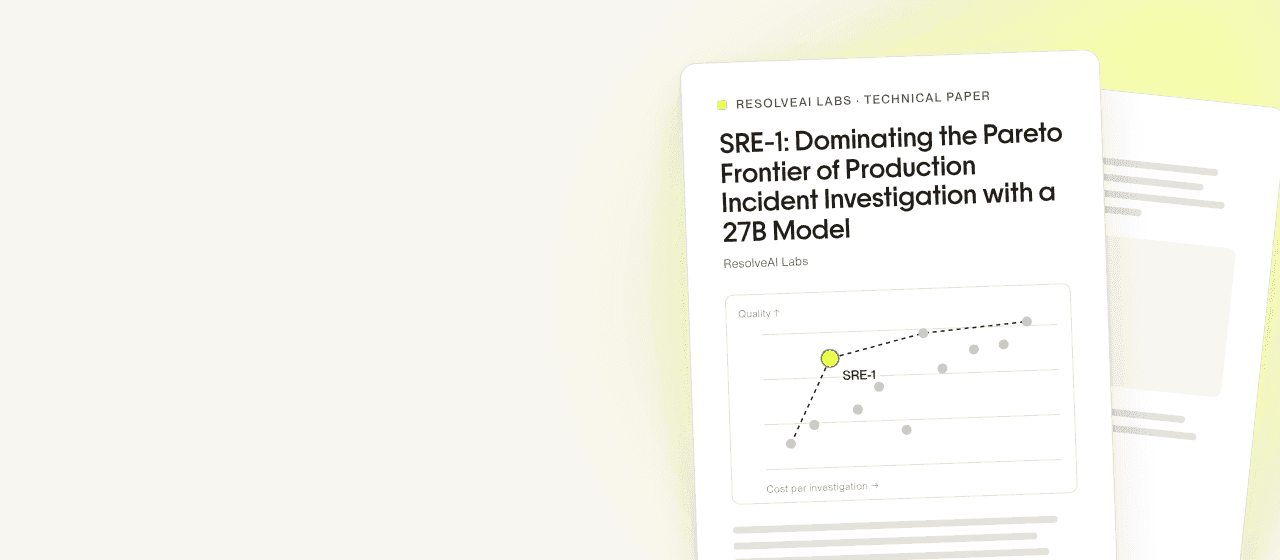
First, AI trained for this work - General-purpose models are improving quickly, but production data is difficult to learn from. Incidents stay private, root causes are rarely written down, and telemetry often expires within weeks. ResolveAI Labs addresses that gap with SRE-1, our new model trained for production work, and the evaluations, harness, and inference-time research behind it.
Second, an enterprise platform underneath it - A model on its own cannot operate in production, so the Resolve platform gives it a live view across telemetry, infrastructure, code, and deployments; a shared memory that lets every SRE agent carry what they learned from each investigation into the next; and controls that start read-only and record every decision.
Both support every investigation, whether it starts from an alert, an observation, a dashboard chart, or a conversation with the Omni agent. Through Massively Parallel Reasoning, many investigators work at once, each pursuing a different explanation for the same symptom, and a verifier checks every conclusion against production evidence and discards the ones that do not hold, so what comes back is the explanation the evidence supports rather than the first one that looked plausible.
“Bringing ResolveAI into CloudWatch Omni deepens our partnership with AWS and our shared commitment to helping engineering teams run reliable software. Engineers can now move from a production signal to a root cause and recommended fix in minutes, directly in CloudWatch. Together, we’re putting AI SREs into the workflows AWS customers rely on every day.” Spiros Xanthos, Founder and CEO, ResolveAI
Everything Resolve does beyond the investigation
Enterprises running on AWS, including Coinbase, DoorDash, Nasdaq, Salesforce, SAP, and Zscaler, already use ResolveAI for production work beyond investigations, from on-call and incident response to remediation and automation. Customers see 10x faster mean time to resolution and up to 95% root-cause accuracy on investigations.
The Omni integration brings the root cause, evidence, and recommended fix directly into CloudWatch. Teams can extend ResolveAI to more of their production work through Slack, Microsoft Teams, coding agents, or direclty in Resolve.
- Primary On-call. Resolve serves as the primary on-caller for alerts a team enrolls. It acknowledges the page, investigates against live production, closes noise, and mitigates within your guardrails. When an engineer is needed, it escalates with a root cause and proposed fix. Teams running Primary On-call close up to 80% of pages without waking anyone.
- Incident Resolutions. When something is actively breaking, Resolve works alongside responders in the incident channel. It gathers evidence from the first minute, so every incident team member has that context throughout.
- Issue Remediation. Resolve connects recurring alerts to the underlying problem and carries the production evidence and investigation history into the fix. It applies changes within the scope a team approves, including work handed to coding agents. After the change ships, it compares telemetry against the production baseline, watches until recovery holds, and reopens the issue if the problem returns. Teams see 64% fewer incidents as the root problems get fixed.
- Production Automation. Custom SREs handle recurring work on a schedule or trigger: checking deployments against a baseline, maintaining database headroom, answering support tickets, drafting postmortems, and writing the Monday handoff. An engineer describes the work, trigger, and limits in plain language. There's nothing to build or host.
Getting started
If you are new to Omni, Create a CloudWatch Omni space to organize your services and team access.
To get started, a CloudWatch Omni space administrator goes to settings > integrations within the Omni space, chooses ResolveAI, reviews the read-only permissions, and connects. Because AWS automatically creates the role inside the customer account, writing manual IAM policies is completely unnecessary. Existing users can directly log in using their ResolveAI account. Cloudwatch Omni customers new to ResolveAI can sign up via AWS Marketplace, and receive a 14-day trial offering up to $1,000 in ResolveAI token usage. Additionally, organizations new to both platforms can take advantage of combined free trial offers ($1,000 in Resolve tokens over 2 weeks alongside $1,000 in AWS credits valid for 30 days).
The Omni integration is read-only that allows Resolve to run queries on your CloudWatch data. Each query runs in a session named after the investigation that started it and carries a source identity naming the Omni connection, so every call is attributable in AWS CloudTrail, and revoking the integration stops new sessions immediately.
Start with the problems Omni flags for services your team knows well, compare what ResolveAI concludes against what your engineers would have found, and widen from there. When you are ready to go further, Primary On-call follows the same path: it works every page and records the decision it would have made while your existing rotation runs untouched, and your team gives it more autonomy one set of alerts at a time. Learn more here.
AI for prod ebook
Learn how top engineering teams use AI to run production.
See the agents that run and fix software in action
Join our engineering leads for "Behind the Build", a webinar series deep-dive into how we built agents that run software.